Dozen: Tasks & Notes
Tasks and notes, one calm day.
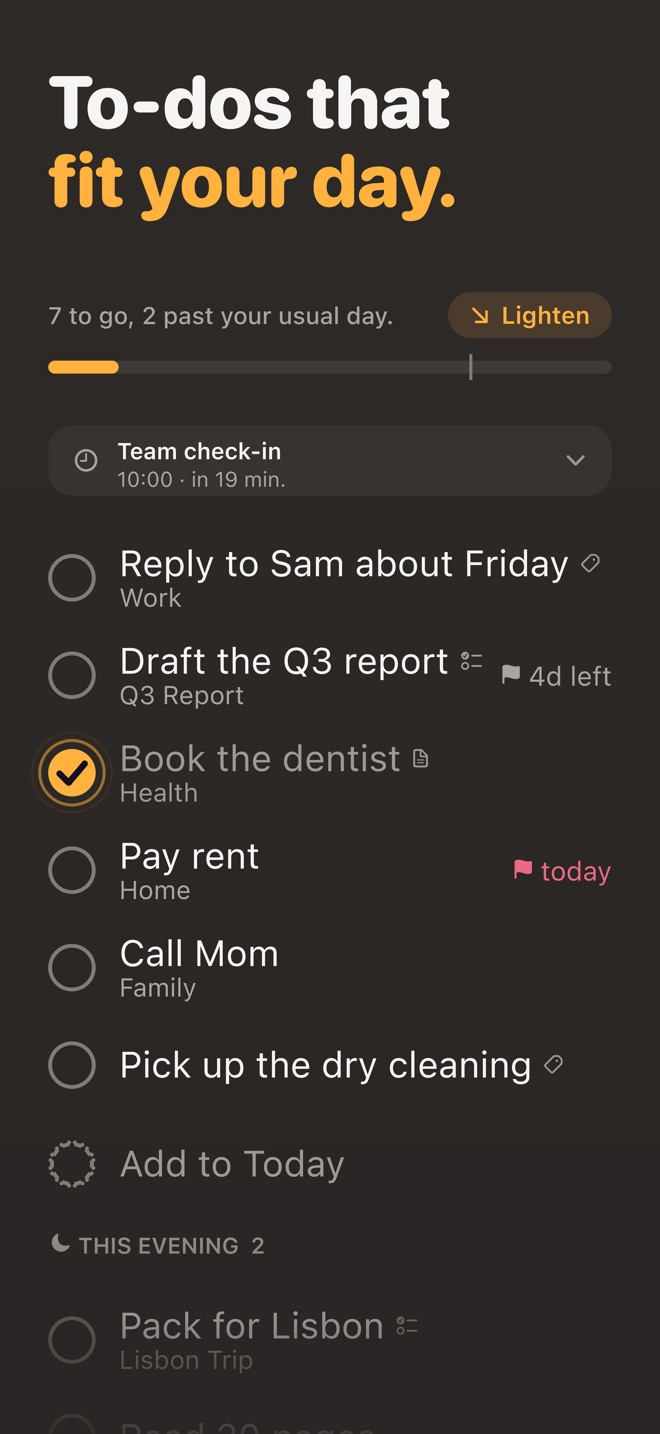
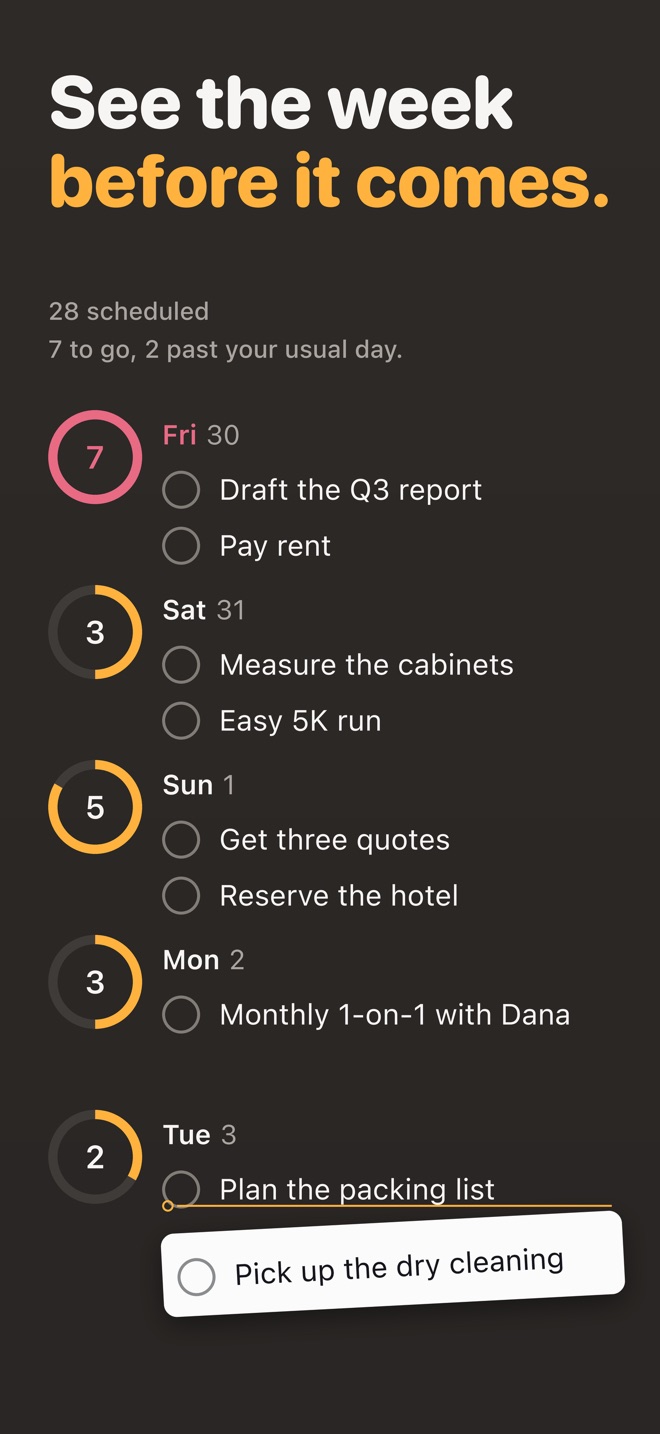
Dozen is a calm place for your to-dos and notes. A bar on Today shows what is done, what is planned and what your usual day holds, so you can see a heavy day before you are in it.
Coming soon to iPhone and iPad
See how a day works- No account
- Asks before any AI sees a thing
- Works offline
How a day works
Plan what fits. Move what can wait. End the day on purpose.
Your usual day is the median number of to-dos you finished on your 14 most recent working days. Days when you finish nothing are skipped rather than counted as zero, so a holiday week does not drag your usual day down.
01 · Capture
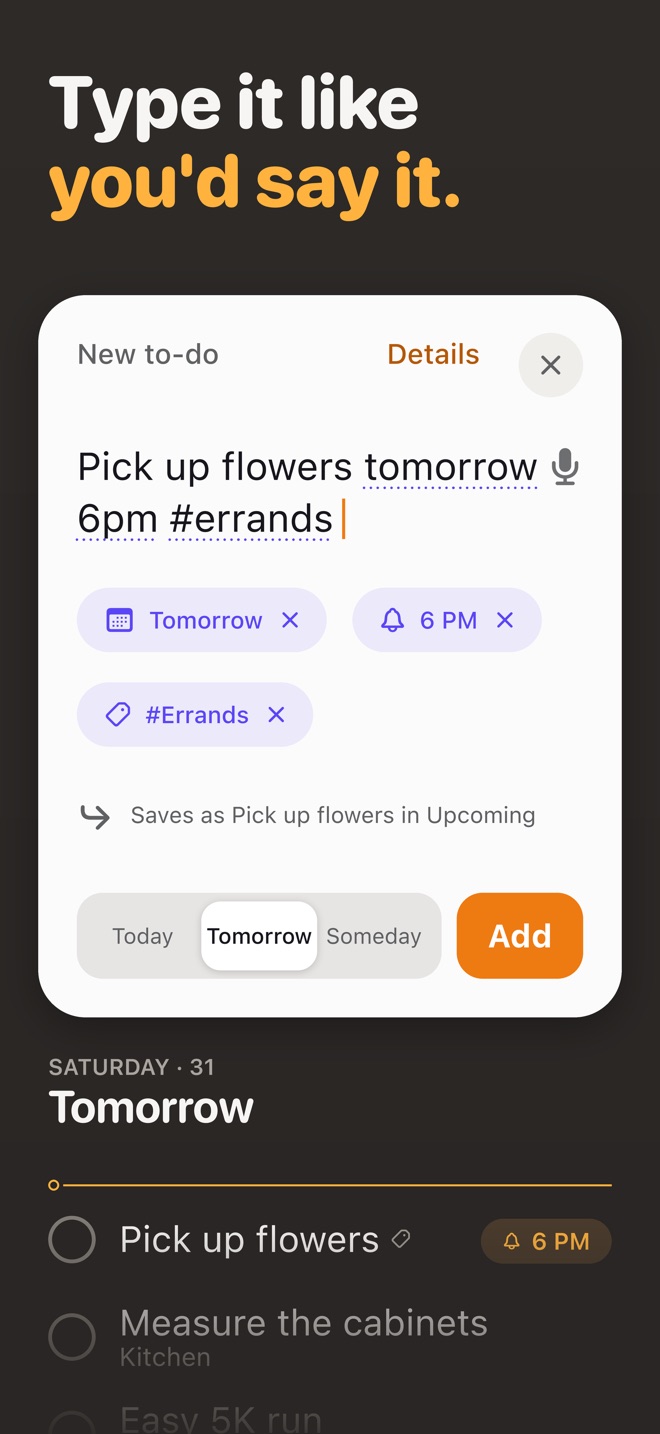
Type it the way you would say it.
Type a whole sentence into a new to-do, such as "Call Maya tomorrow 6pm #family", and Dozen suggests the day, the time and the tag. Close the card and the suggestions are set, and Undo puts your words back.
How Type it works02 · Lighten
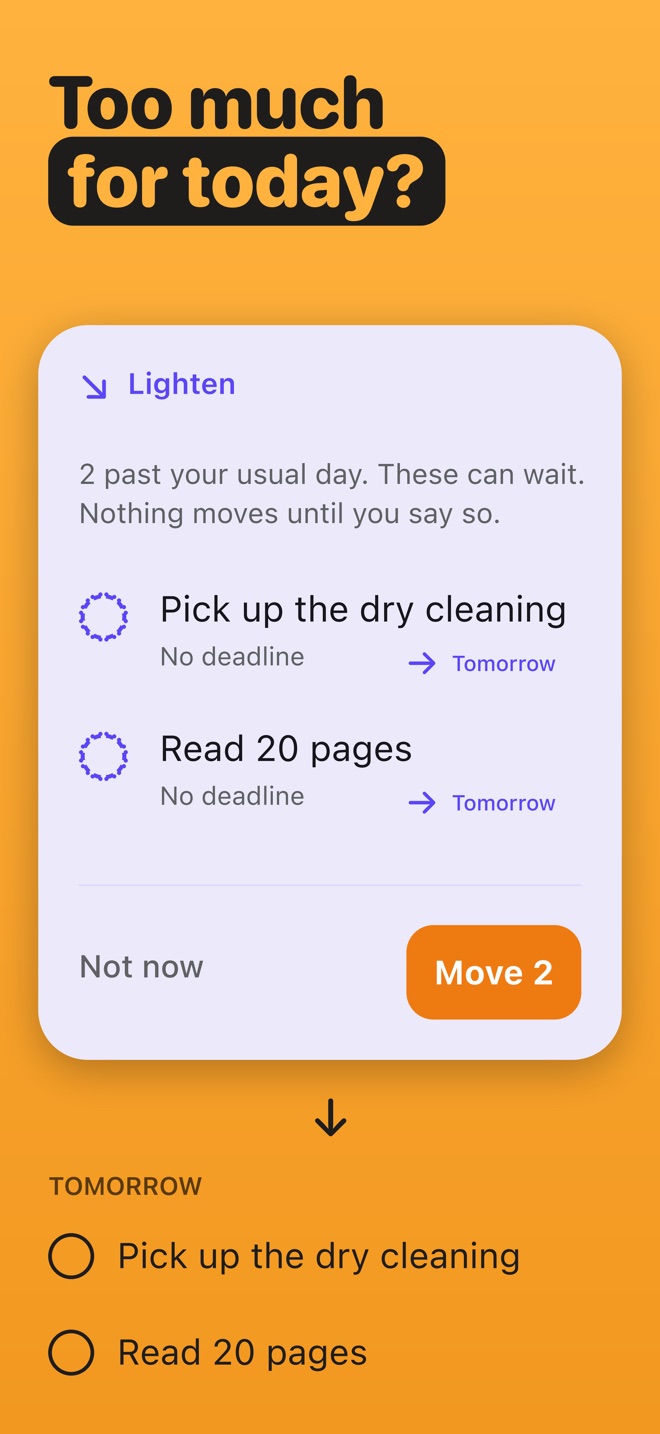
Too much for today?
When Today holds more than your usual day, Lighten offers to move the few things that can wait, and nothing moves until you say so.
About Lighten03 · Notes
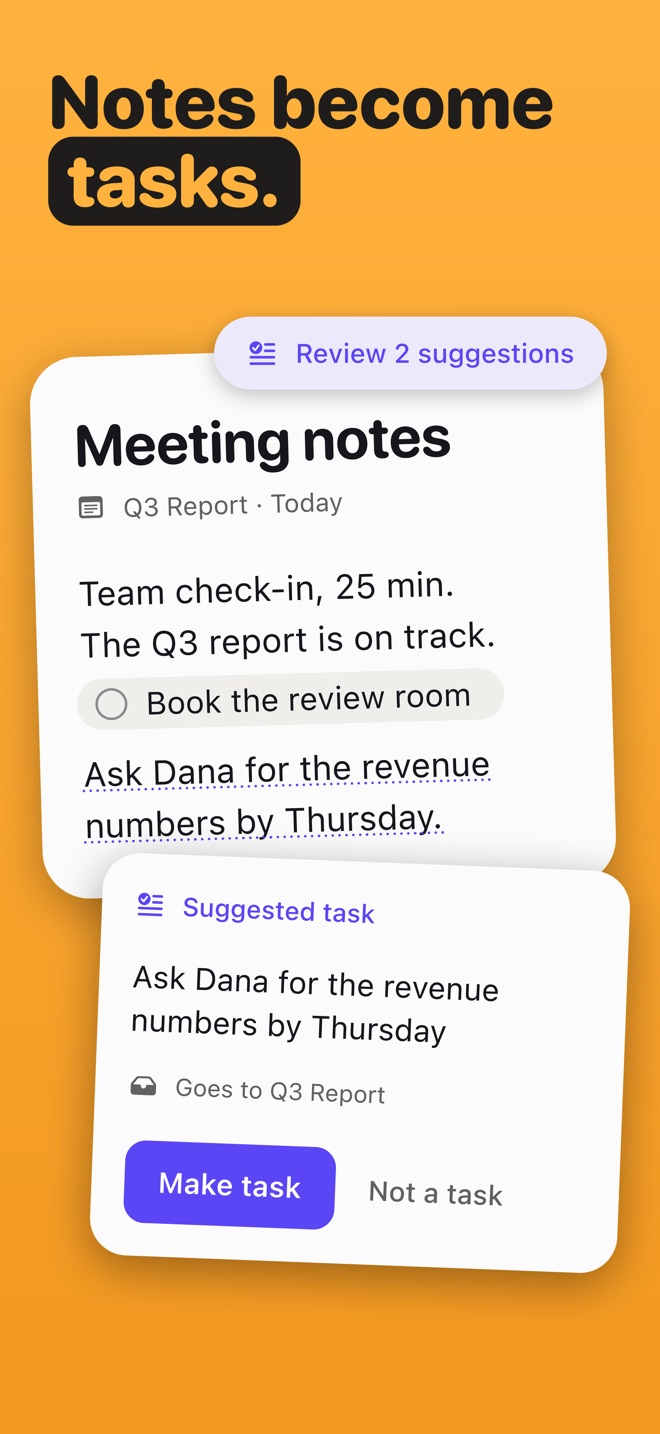
Notes that turn into tasks.
Sentences in a note that sound like tasks can become tasks in one tap. A sentence made into a task becomes a small pill that follows the task, and ticking either one ticks both. A project can read as one thread of notes, tasks and what you finished.
Notes and tasks together04 · Close the Day
End the day on purpose, not on guilt.
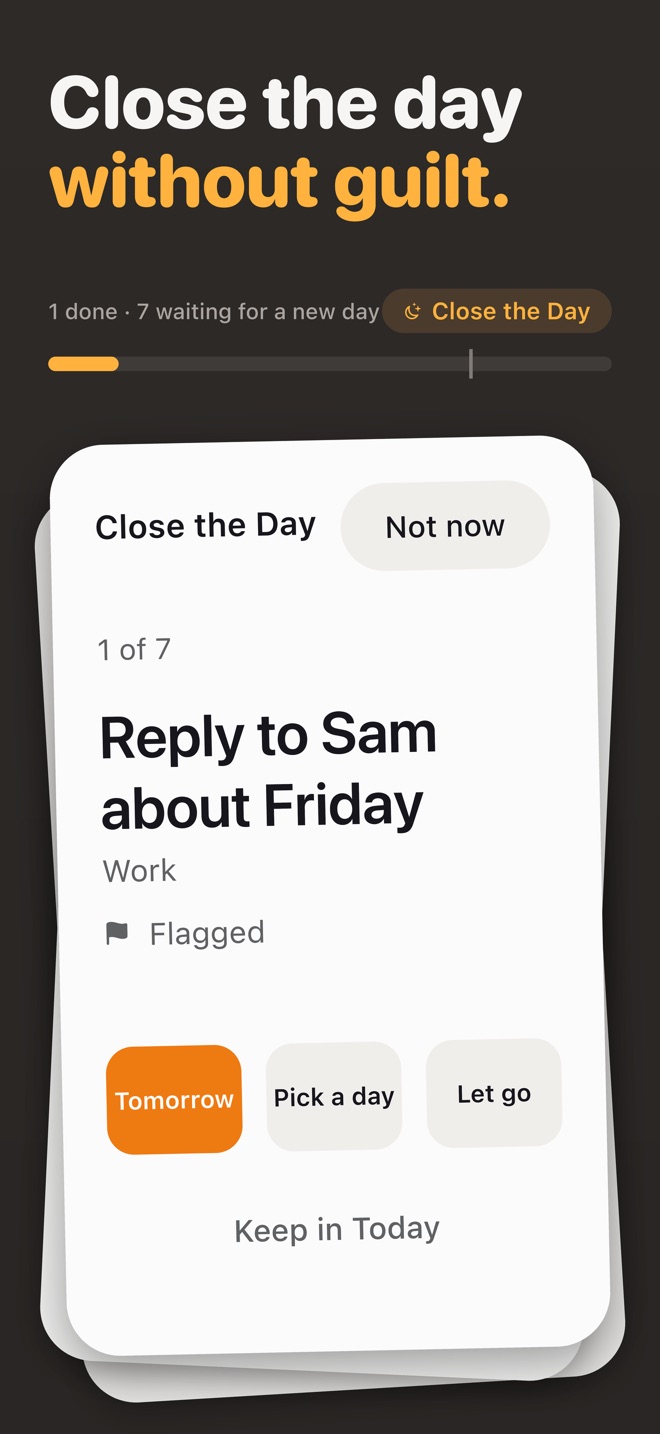
Close the Day walks through what is left in Today and lets you send each thing to tomorrow, to a day you pick, or let it go. You can set a time in Settings and Dozen reminds you to close the day.
How Close the Day works05 · Now
One thing at a time.
Now is a quiet screen with a timer for the one to-do you started, also on the Lock Screen and in the Dynamic Island. A Live Activity appears only while you have a to-do running in Now.
About NowA closer look
Ten pictures, one calm day.
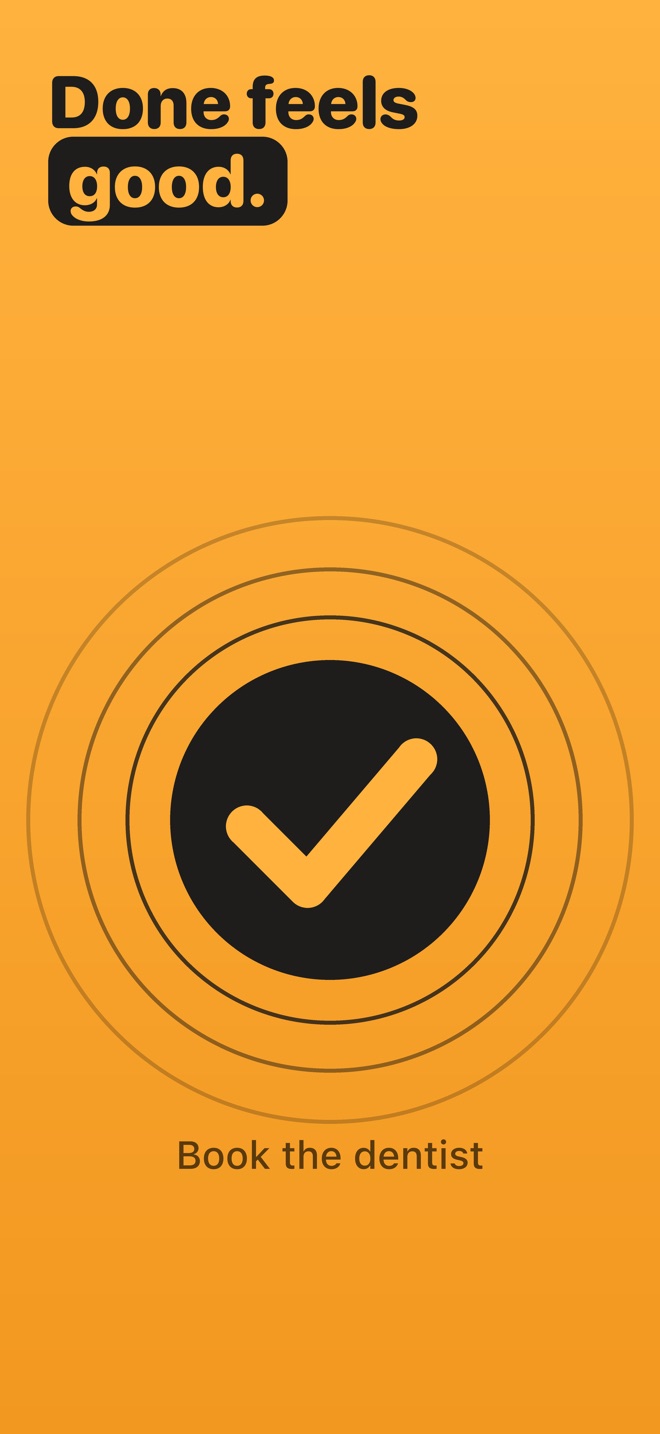
The pictures from Dozen’s App Store page. Scroll sideways.
Calm and private
Yours, on your iPhone.
No account
Dozen needs no account and no sign-in. Dozen has no sign-in, no analytics, no advertising SDK and no tracking.
AI only if you say so
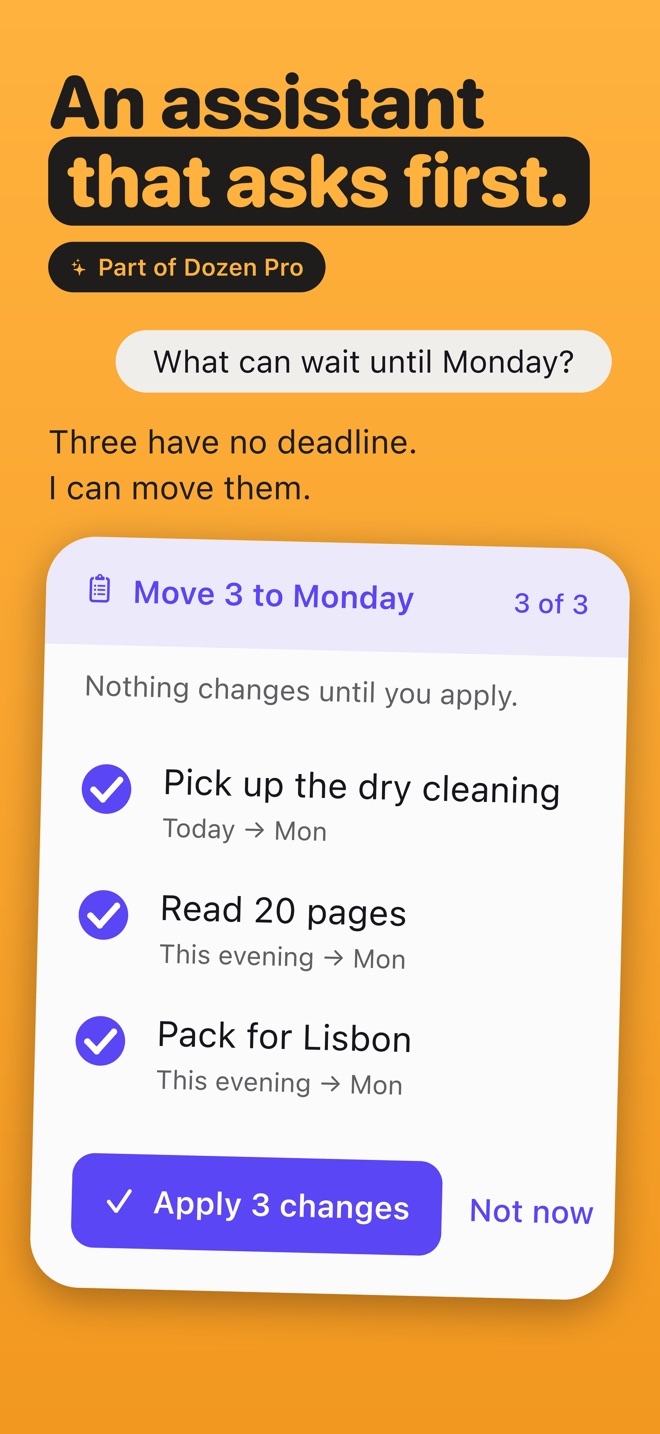
The Assistant is optional, and it asks first: nothing is sent to an AI provider until you allow it. Anything you tag No AI is kept out of the Assistant's requests. Anything tagged No AI also stays out of Spotlight, Siri and Shortcuts.
The No AI tagWorks offline
Everything in Dozen except the Assistant's cloud answers works offline. Every permission Dozen asks for is optional and explained in its prompt.
Everywhere on Apple
From the Lock Screen to your wrist.
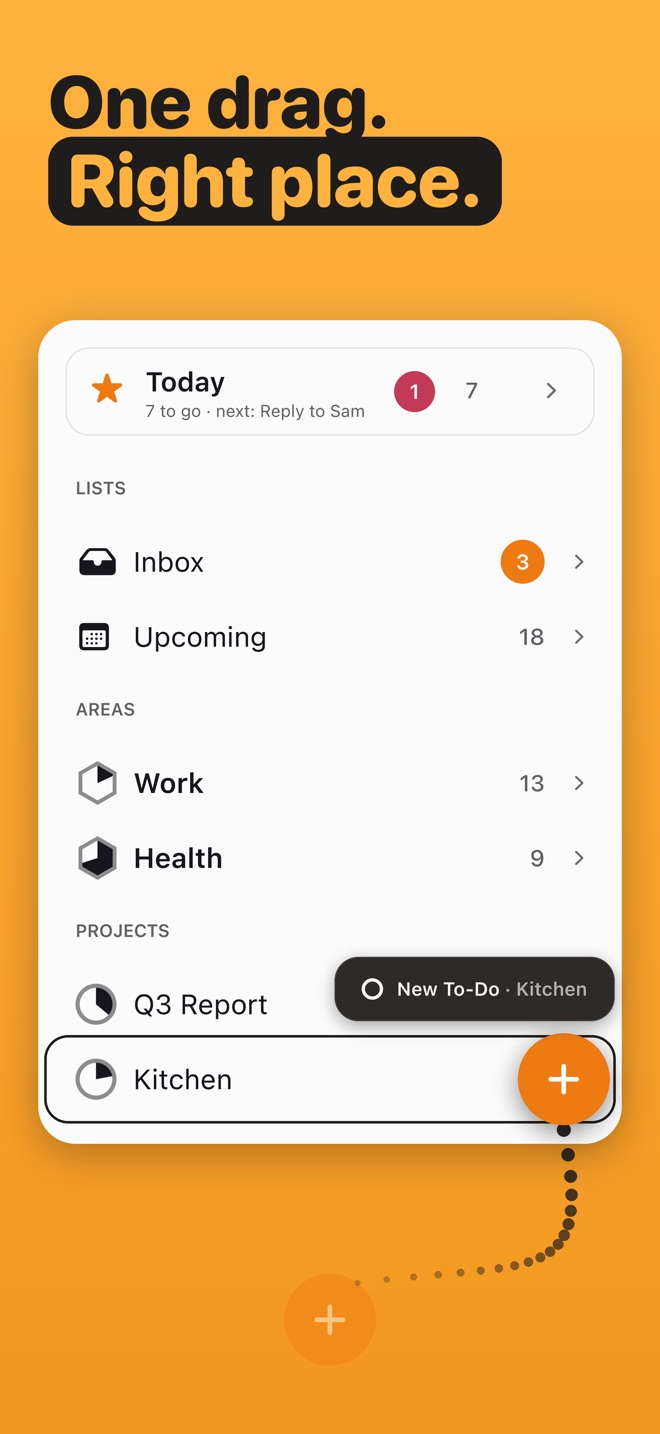
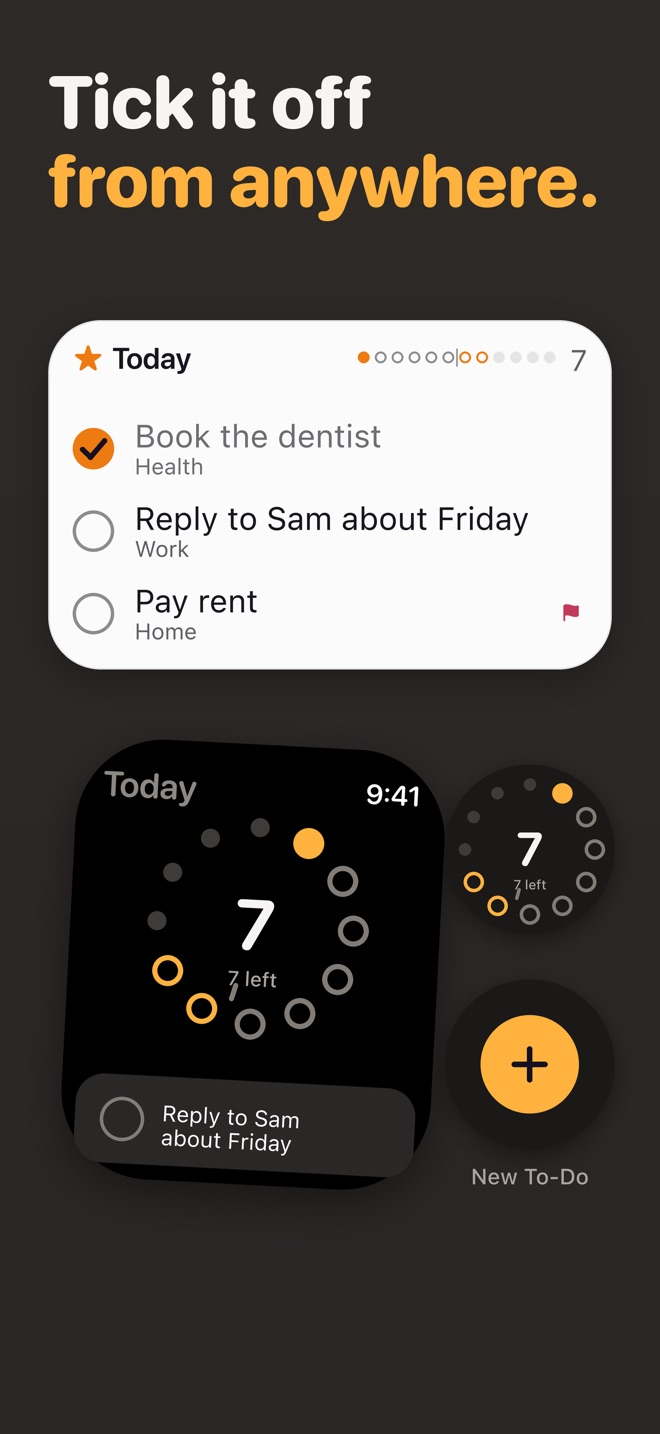
Widgets, Spotlight, Siri and Shortcuts work with your to-dos and notes. A New To-Do control for Control Center, the Lock Screen and the Action button opens Dozen on a new to-do in Today.
Widgets
Dozen has a Day widget among its Home Screen widgets.
Siri and Shortcuts
On iOS 27, Siri can add, change, complete and delete your to-dos and add to your notes, with Undo.
Apple Watch
Dozen includes an Apple Watch app.
Live Activities
A Live Activity appears only while you have a to-do running in Now.
Search and Ask
Search finds words deep inside your notes and to-dos.
Assistive Access
Dozen offers its own Assistive Access screen with Today, Add and Done.
Free and Pro
The calm part is free.
Dozen is free to download. Dozen Pro, a monthly or yearly subscription, adds the Assistant.
Dozen
Free
Lists, notes, Today and its rituals, and widgets are free, with no limit on how many to-dos or notes you keep.
- Today, the usual day and Lighten
- Notes, scans, sketches and voice
- Close the Day and Now
- Widgets, Siri, Shortcuts, Apple Watch
Dozen Pro
The Assistant
Dozen Pro unlocks the Assistant. Each month of Dozen Pro includes a set number of assistant messages, and Settings shows how many are left.
- Ask the Assistant for one thing and it is done, with Undo; ask for several and it shows you first, and nothing changes until you say.
- Every change the Assistant makes can be undone.
Dozen Pro is a monthly or yearly subscription, the yearly plan starts with a free week, and it renews until you cancel it in your Apple Account settings.
Switching
Bring your lists with you.
Settings, Data, Import Tasks reads the file you choose, shows what it found, and only then adds anything.
From Todoist
Dozen reads a Todoist project exported as CSV: a section becomes a heading, a sub-task a step, and a label a tag.
Dozen and TodoistFrom Things
Dozen reads a plain list in text or Markdown, which is the way in from Things, Notes and Reminders.
Dozen and Things 3From anywhere
In a plain list, a line is a to-do, an indented line is a step of the one above it, one hash names the project and two hashes start a heading.
Moving to Dozen
Read
372 answers for a calmer day.
Guides, checklists, comparisons and situations, written plainly, with sources.
- iPhone, iPad and Apple Watch48
Reminders, Siri, widgets, Shortcuts and the rest, built-in first.
- Switching apps41
Dozen side by side with the apps people use today, and how to move.
- App against app40
Two popular apps side by side, from their own pages, with the trade-offs said plainly.
- Methods, done simply36
GTD, the weekly review, 1-3-5, the Eisenhower matrix and more, in plain words.
- Home and life23
Moving, cleaning, meals, money and the jobs that come back every season.
- Plan a day that fits20
How much a day can hold, and what to do when it holds too much.
- Family and big moments19
Weddings, babies, school, holidays and caring for someone.
- Work and study19
A new job, a project kickoff, a semester and exam season.
- Guilt, overwhelm and letting go15
The unfinished list, the end of the day, and starting over.
Questions and answers
Is Dozen free?
Dozen is free to download. Dozen Pro, a monthly or yearly subscription, adds the Assistant. Lists, notes, Today and its rituals, and widgets are free, with no limit on how many to-dos or notes you keep.
Do I need an account?
No. Dozen needs no account and no sign-in. Dozen has no sign-in, no analytics, no advertising SDK and no tracking.
Does Dozen work offline?
Everything in Dozen except the Assistant’s cloud answers works offline.
What does the Assistant send, and when?
The Assistant is optional, and it asks first: nothing is sent to an AI provider until you allow it. Anything you tag No AI is kept out of the Assistant’s requests. Cloud requests go through Loopware’s own server to OpenAI, which passes each one on without logging or storing what you wrote.
Which devices does Dozen run on?
Dozen runs on iPhone and iPad, and comes with an Apple Watch app. Dozen needs iOS 26 or later.
Can I bring my lists from another app?
Yes. Dozen reads a Todoist project exported as CSV: a section becomes a heading, a sub-task a step, and a label a tag. Dozen reads a plain list in text or Markdown, which is the way in from Things, Notes and Reminders. See Moving to Dozen.
When is Dozen out?
Dozen is coming to the App Store for iPhone and iPad soon. This page will show the App Store button the day it is live.
More answers on the support page, how this site checks what it says on About this site, and logos and pictures in the press kit.
One calm day at a time.
Dozen is free to download. Dozen Pro, a monthly or yearly subscription, adds the Assistant.
Coming soon to iPhone and iPad